
CREATIVE MOVES / THE JOURNAL
Choosing a website platform feels like a technical decision. It isn’t. It decides how easily customers find you, how fast you can change things, and how much your site costs to run over the next five years.
The market is crowded: WordPress, Shopify, Webflow, Wix, Squarespace, or a fully custom build. Every platform has fans who swear it’s the only sane choice. The truth is more practical. The best website platform for a small business depends on what the site has to do for you.
This guide compares all six honestly, including where each one falls short. By the end you’ll know which one fits your business.
The Quick Answer: Which Website Platform Should You Choose?
If you want the short version, start here:
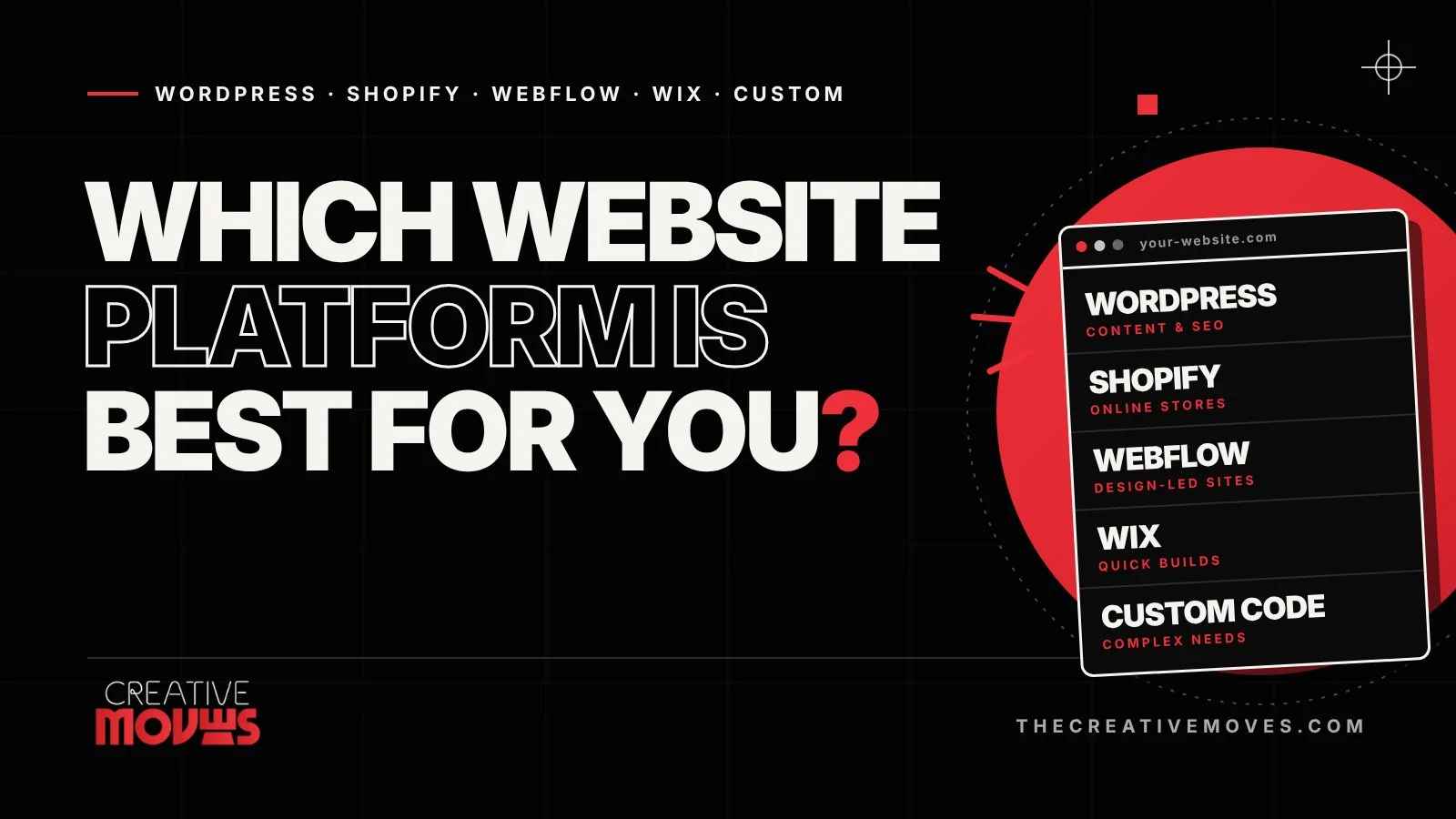
- Choose WordPress if your site needs to generate leads, rank on Google and grow with your content.
- Choose Shopify if your main goal is selling products online.
- Choose Webflow if design precision matters most and you want a polished marketing site without a plugin-heavy setup.
- Choose Wix or Squarespace if you need a good-looking site live quickly on a tight budget.
- Choose custom development if you need functionality no platform offers out of the box.
For most US service businesses, WordPress is the safest long-term choice. For product-based businesses, Shopify usually wins. The details below explain why.
How to Choose a Website Platform: 5 Questions to Ask First
Before comparing features, get clear on these five things:
- What is the site’s main job? Generating leads, selling products, publishing content and showcasing a portfolio each point to a different platform.
- How much SEO and content do you plan to publish? If organic search is a major channel, you need strong control over page structure, speed and metadata.
- What is your realistic budget? Count the total cost of ownership (subscriptions, hosting, plugins, development and maintenance), not just the starting price.
- Who will manage the site day to day? Some platforms handle updates for you. Others give you more control and more responsibility.
- Where will the business be in three years? Moving platforms later is possible, but it is rarely cheap or painless.
Write your answers down. They make the rest of this guide much easier to apply.
WordPress: Best for SEO, Content and Long-Term Growth
WordPress powers over 40% of all websites, which is why it has the largest ecosystem of themes, plugins, developers and tutorials of any platform. It started as a blogging tool and has grown into a flexible system that can run a brochure site, a membership portal or a full online store.
Pros of WordPress
- Full ownership of your site, files and data
- Excellent SEO flexibility, with tools like Yoast SEO and Rank Math
- Thousands of themes and plugins for almost any feature
- Scales from a five-page site to a large content platform
- Large talent pool, so you’re never locked to one developer
Cons of WordPress
- Needs regular updates, backups and security care
- Quality varies widely between themes and plugins
- Too many plugins can slow your site down
- More hands-on than an all-in-one builder
Best for
Service businesses, professional firms, content-driven brands and any company that wants search traffic as a long-term growth channel. If you want a site that ranks, WordPress built properly is hard to beat. Our website development services are built around exactly this approach.
Shopify: Best for Online Stores
Shopify is purpose-built for selling. Product pages, inventory, shipping, taxes and checkout all live in one dashboard, and Shopify handles hosting, SSL security and payment compliance for you.
Pros of Shopify
- Quick to set up and easy to manage without a developer
- Secure, reliable hosting and checkout built in
- Strong app ecosystem for marketing, reviews, subscriptions and more
- Scales well as your catalog and order volume grow
Cons of Shopify
- Monthly subscription plus app costs that add up
- Transaction fees apply if you don’t use Shopify Payments
- Less flexible than WordPress for content-heavy sites and blogs
- Deep customization usually needs a developer who knows Shopify’s theme code
Best for
Product-based businesses such as fashion, beauty, home goods and food brands, where the store is the business. If you only sell a handful of products and mostly publish content, WordPress with WooCommerce can be the better fit.
Webflow: Best for Design-Led Marketing Sites
Webflow sits between a website builder and custom code. You design visually, with a lot of control over layout, animation and responsiveness, and Webflow generates clean code and hosts the site for you.
Pros of Webflow
- Very high design freedom without writing code by hand
- Clean, fast-loading output and strong built-in SEO controls
- Hosting, security and a built-in CMS are all included
- No plugin maintenance, because features are built into the platform
Cons of Webflow
- Steeper learning curve than Wix or Squarespace
- A much smaller ecosystem than WordPress, so fewer ready-made extensions
- E-commerce works but is less mature than Shopify for larger stores
- Pricing is per site plan, and plans have CMS and traffic limits
Best for
Startups, SaaS companies and brands whose website is a design statement, especially when the team wants a polished marketing site and doesn’t need a large plugin ecosystem.
Wix: Best for Fast, Simple Launches
Wix is a hosted, drag-and-drop builder. You pick a template, edit it visually and publish, with hosting, security and basic SEO tools included. Wix has also added AI tools and e-commerce features in recent years.
Pros of Wix
- Fastest route from idea to a live website
- No technical skills needed
- Affordable entry point, with hosting included
- Built-in tools for bookings, e-commerce and marketing
Cons of Wix
- Less control over site structure, performance and advanced SEO
- Switching templates later can mean rebuilding your pages
- Your site lives inside Wix, so moving away means rebuilding it
- Businesses often outgrow it as their needs expand
Best for
Solo professionals, local businesses and temporary sites such as event pages that need to be online quickly.
Squarespace: Best for Portfolios and Creative Businesses
Squarespace is known for polished, design-forward templates. It trades some flexibility for a cleaner, more guided experience, which is why photographers, designers, consultants and boutique brands like it.
Pros of Squarespace
- Beautiful templates that look professional with minimal effort
- All-in-one hosting, domain and security
- Simple to maintain
- Good basic e-commerce for small catalogs
Cons of Squarespace
- Less customization than WordPress or Webflow
- Fewer integrations and extensions
- Limited technical SEO and performance control
- Not ideal for large stores or complex functionality
Best for
Portfolios, creative studios, small service businesses and anyone who values good-looking templates over deep customization.
Custom Development: Best for Complex or Unique Needs
Custom development means building your website from scratch with technologies such as HTML, CSS, JavaScript and modern frameworks like React. There are no template limits. Every feature, integration and interaction is built to your specification.
Pros of Custom Development
- Complete freedom over design, features and performance
- Handles complex logic such as dashboards, booking engines and portals
- Can be optimized for speed and security from day one
- Scales to enterprise-level needs
Cons of Custom Development
- Highest upfront cost and the longest timeline
- You need ongoing development support for changes and maintenance
- Content updates may need a developer unless you add a CMS
Best for
Businesses with requirements no platform can meet: custom customer portals, SaaS products, complex integrations or high-traffic applications. It is overkill for a standard business website.
WordPress vs Shopify vs Webflow vs Wix vs Squarespace vs Custom: Side-by-Side Comparison
| Platform | Best for | Ease of use | Design control | SEO control | Upkeep |
|---|---|---|---|---|---|
| WordPress | Lead generation, content, SEO | Moderate | High | Excellent | You manage updates and security |
| Shopify | Online stores | Easy | Medium to high | Good | Handled by Shopify |
| Webflow | Design-led marketing sites | Moderate | Very high | Very good | Handled by Webflow |
| Wix | Quick, simple sites | Very easy | Medium | Basic to good | Handled by Wix |
| Squarespace | Portfolios, creative brands | Very easy | Medium | Basic to good | Handled by Squarespace |
| Custom code | Complex or unique functionality | Developer needed | Unlimited | Unlimited | Your developer maintains it |
One point matters more than the table suggests. With WordPress and custom builds, you own your site and can move it to another host. With hosted platforms like Wix, Squarespace, Shopify and Webflow, your site lives inside that platform’s ecosystem. That’s fine for many businesses, but it’s worth knowing before you commit.
Which Platform Is Best for Your Business Type?
- Law firms, clinics, agencies and consultants: WordPress. You get strong local SEO, easy blogging and room to grow.
- E-commerce brands: Shopify. It’s built for selling, and it handles checkout, security and scaling for you.
- Startups and design-led brands: Webflow, or WordPress if you plan to publish a lot of content.
- Freelancers, artists and photographers: Squarespace or Wix.
- Companies with complex software needs: Custom development, often paired with a CMS so your team can edit content.
What We See in Practice
Platform choice only matters if it supports a business goal. A few examples from our own projects:
- A Boston law firm moved to a WordPress site built for local SEO and saw organic traffic grow 60% in six months.
- A beauty brand launched a Shopify store with conversion-focused product pages and saw sales rise 45% in three months.
- A Boston startup with no brand or website launched on WordPress with a new identity, SEO and lead capture, and saw traffic grow 300% and leads grow 120%.
In each case the platform was only part of the story. Strategy, messaging, page structure and speed made the difference. That’s why we start with your goals through research and strategy before we recommend a platform. You can see more of our work on our projects page.
5 Tips for Getting Better Results From Any Platform
- Plan for SEO from day one. Clear page structure, fast load times and proper metadata matter on every platform. Google’s SEO Starter Guide is a good baseline, and our SEO services can handle it for you.
- Design for mobile first. Most visitors will see your site on a phone.
- Watch your speed. Google measures real-world performance through Core Web Vitals, and slow sites lose visitors and rankings.
- Make the next step obvious. Every page needs one clear call to action, such as call, book, buy or subscribe.
- Track what happens. Set up Google Analytics so you can see which pages bring in leads or sales.
Your website works best when it’s built on a strong brand. If your identity isn’t settled yet, our branding and design team can sort that out before the build begins.
Frequently Asked Questions
What is the best website platform for a small business?
For most service businesses, WordPress is the best choice because of its SEO strength, flexibility and ownership. For businesses that mainly sell products, Shopify is usually the better fit.
Is WordPress better than Wix?
WordPress offers far more customization, SEO control and room to scale. Wix is easier and faster to start with. If search traffic and long-term growth matter, WordPress is the stronger choice. If speed and simplicity matter most, Wix is fine.
Is Webflow better than WordPress?
Webflow gives you more design control with less maintenance, while WordPress has a much bigger ecosystem, more content and SEO tooling, and easier ownership. Webflow suits design-led marketing sites. WordPress suits content-heavy and lead-generation sites.
Should I use Shopify or WordPress for my online store?
Choose Shopify if selling is your main activity and you want a managed, secure, scalable store. Choose WordPress with WooCommerce if content and SEO are central and your catalog is smaller or more unusual.
How much does a small business website cost?
It depends on the platform and scope. Builders charge monthly subscriptions. WordPress is free software, but you pay for hosting, themes, plugins and development. Custom builds cost the most upfront. Beyond the starting price, compare total cost over two to three years, including maintenance.
Can I switch website platforms later?
Yes, but plan for effort. Content can often be moved, but design, layout and functionality usually need rebuilding. Choosing well at the start saves money later.
Choose the Platform That Fits Your Goals
There’s no single best platform, only the best one for your goals, budget and growth plans. WordPress suits most businesses that want to be found on Google. Shopify wins for online stores. Webflow, Wix and Squarespace each have a clear place. Custom code is for projects that need something truly unique.
Not sure which direction is right for you? Talk to the Creative Moves team. We build WordPress, Shopify and custom websites, and we’ll give you honest, platform-neutral advice, even if the answer isn’t the one we build on. We’ll look at your goals, your budget and your timeline and recommend what fits.